Your project, beside your work.
Dock CoolDesk to the side of your screen and keep what you’re working on in reach: what’s open, your workspaces, your clipboard, a shell and your folders. It tucks away to a thin handle and slides back when you hover it.
Mac, Windows and Linux · free, no account
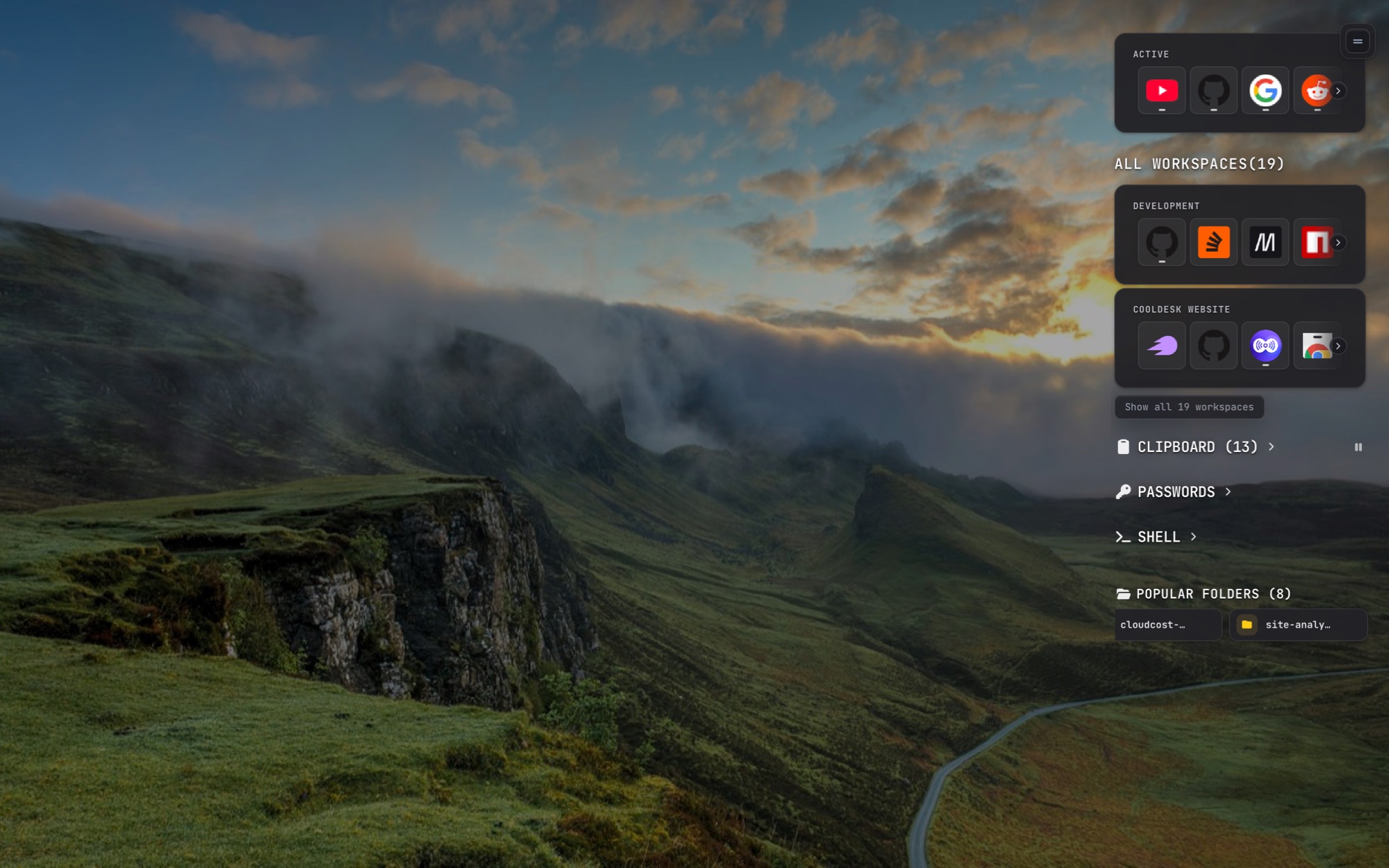
What’s in it
The sidebar is a stack of cards, top to bottom:
- Active
- the apps running and the tabs open right now
- Workspaces
- your two most active, with Show all for the rest
- Clipboard
- everything you copied, if you turn it on
- Passwords
- a small encrypted vault, if you turn it on
- Shell
- a real terminal, collapsed until you open it
- Folders & dev
- widgets, your popular folders and the dev servers running
Clipboard and passwords stay hidden until you switch them on in Settings.
What’s open, at a glance
The Active card lists the apps running and the tabs open right now. Click one to bring it forward. Below it, your workspaces’ links, apps and folders work the same way: open if it isn’t, focus it if it is.
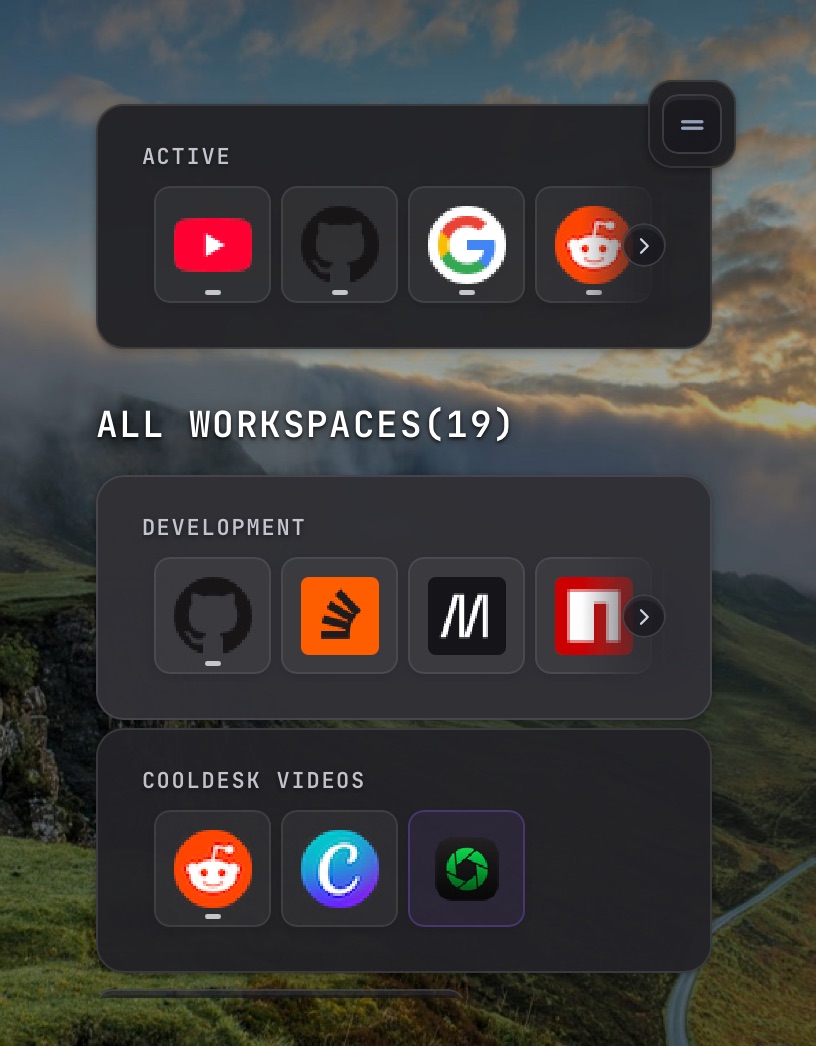
Out of the way until you need it
The cards float over your desktop with no panel behind them. Move away and the sidebar tucks back to a thin handle at the screen edge; hover the handle to bring it back.
Sidebar, dock or full window
Questions
Which side does it go on?
Left or right, your choice. CoolDesk remembers the edge you picked.
Does it take space from my other windows?
No. It slides in over your work while you use it and tucks back to a thin handle when you move away. The handle hides while a full-screen app, game or video is in front.
Is the password vault safe?
It’s locked with a master password you set, and locks itself after 5 minutes idle. A copied password is cleared from the clipboard after 30 seconds. It’s off until you turn it on in Settings.
Does it work on Linux?
Yes. On Mac and Windows the cards float see-through over your desktop; on Linux the sidebar has a solid background in your theme.
Keep your project one hover away
Free, no account, and everything stays on your device.